How to Handle Late Pickups and No-Shows for Plate Sales
Handle late pickup orders and no-shows with clear windows, customer contact, safe holding decisions, consistent refunds, and a closed order record.
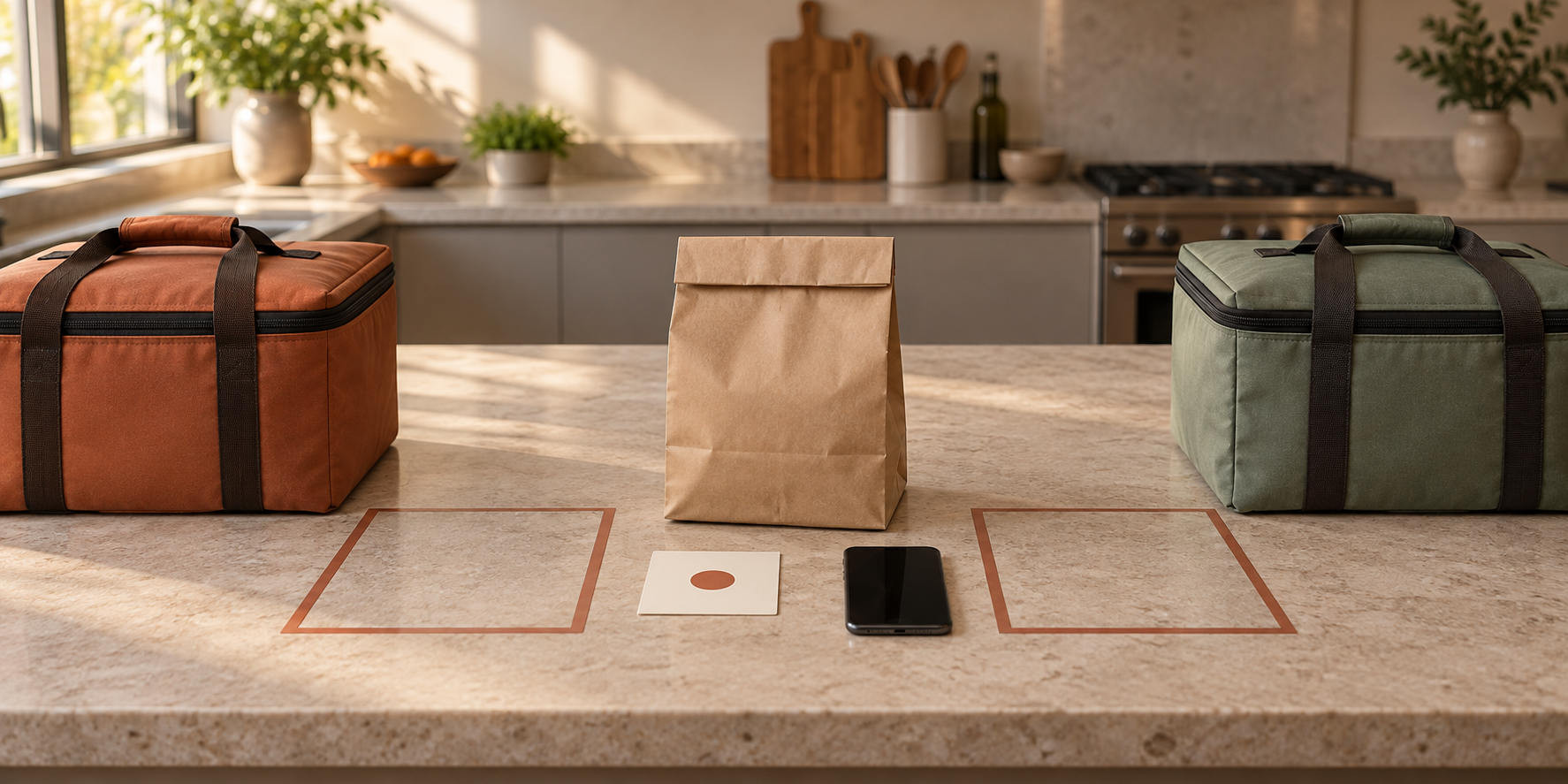
A paid customer misses the pickup window. Their sealed order is still waiting, the next group is arriving, and you have to decide whether to keep holding the food, contact the customer again, issue a refund, or close the order as a no-show. If those choices begin only after the customer is late, the loudest message or busiest moment will control the answer.
This guide will help you build a late-pickup workflow before the next menu drop. You will define the promised window, keep the food under active control, use a short contact sequence, separate the food decision from the payment decision, and close every order with a record you can explain.
This is operational guidance, not a universal legal or food-safety rule. The 2026 FDA Food Code is a model for adoption by jurisdictions, and local rules may differ. Confirm that your kitchen, menu, holding equipment, pickup method, and written policies are permitted by the authority that regulates your operation.
Define the late-pickup boundary before taking payment
A pickup window should be a promise both sides can understand. Show the date, time zone, collection location, arrival method, contact route, and what the customer should do if they will be late. Avoid a vague line such as “pickup after 5.”
Online tools can enforce some of this structure. Square’s current pickup settings include visible pickup times, scheduling, limits per pickup window, arrival alerts, and customer instructions. You can reproduce the same logic in a form or spreadsheet even if you use a different platform.
Write the late-pickup rule beside the cancellation and refund terms before checkout. It should answer:
- When is the order considered late?
- Which contact method will you use?
- How long can the approved holding setup support the order?
- What ends the pickup opportunity?
- What payment outcome applies to a customer no-show?
- What happens when the seller cannot provide the order as promised?
Do not copy another seller’s grace period. Build yours from the actual pickup schedule, permitted holding method, food quality, staff capacity, location access, and local requirements. A ten-minute example is still only an example until your process supports it.
Give every order a live pickup status
The packing ticket should not stop at “paid.” Add the states that make a delayed order visible: scheduled, ready, customer notified, late, collected, canceled, refunded, or no-show. Keep the promised window, ready time, holding location, contact attempts, handoff time, and closing decision on the same record.
That structure is possible in basic order tools. Square’s central order view preserves customer, fulfillment, item, total, and status details. A simple roster can do the same job if one person owns status changes and old versions are removed from the packing station.
Link each physical bag to one current order ID. If a customer replies with a new arrival time, write it in the record instead of relying on a message thread. The separate guide to preventing missing items in pickup orders can help you finish the packing check before the order enters this waiting stage.
Keep waiting food under active control
A sealed container, paper bag, or insulated carrier does not prove that food is safely held. Until handoff, the order remains part of your operation. Keep hot and cold components in their tested, approved holding setup; do not place a late order on a counter, porch, car seat, or customer-accessible table.
FDA retail guidance says hot food should be held at 135°F or above and cold food at 41°F or below, subject to the rules adopted where you operate. The FDA’s retail holding guidance summarizes those model temperatures, while the full 2026 Food Code sets formal conditions for using time instead of temperature control. Time-only control is not a grace period you can invent after a customer becomes late.
Use the dedicated hot-food holding workflow or cold-food holding workflow for equipment, representative temperature checks, carrier tests, and corrective actions. The late-pickup record should point to that evidence rather than replacing it.
USDA’s two-hour rule for take-out food is useful consumer guidance for perishable food outside temperature control, with a shorter one-hour limit above 90°F. It is not a seller’s target and does not extend an adopted retail holding rule.
Use a short contact sequence
Choose the contact checkpoints before service. Too many messages distract from the active line; no message leaves the customer without a fair chance to respond.
For example, your tested workflow might be:
- Send the normal “ready” message when the order enters its pickup window.
- When the window ends, mark the order late and send one message with the exact reply needed.
- If the customer gives a new time, compare it with the approved holding limit and the location’s closing time before accepting it.
- At the stated no-show cutoff, send the closing outcome and stop treating the order as active.
A useful late message is specific: “Order 184 was scheduled for 5:00–5:20 p.m. Reply by 5:30 with your arrival time. We will confirm whether pickup can still be completed.” Do not promise that food will remain available until the customer eventually arrives.
Contact only through the route the customer agreed to use. Avoid posting names or order details publicly, and keep the message factual. Record the time and outcome of each attempt.
Let evidence decide the food outcome
At the cutoff, ask what the food record proves—not how much the order cost. Check the batch, pack time, holding method, representative readings, equipment status, and any local limit that applies.
Possible outcomes include:
- Handoff: The customer arrives, the order remains within the approved process, and the identity and component check pass.
- Continue holding: Your equipment, checks, closing time, and local rule support the revised pickup time.
- Approved cooling or storage: Your written, permitted process allows the food to move into another controlled state. This is not an automatic rescue for every late order.
- Discard: The required control cannot be verified, a limit has ended, the package is compromised, or the approved process says to stop.
Do not taste, smell, or visually inspect food to overrule a failed time or temperature record. Do not give the order to another customer unless your permitted process, labeling, traceability, allergen controls, and sales record all support a separate lawful sale.
Decide the payment outcome separately
Discarding food does not automatically answer whether the customer receives a refund. That decision depends on the disclosed terms, who failed to meet the agreement, applicable law, and the payment platform’s rules.
Use separate reasons such as customer no-show, customer cancellation, seller unable to fulfill, food-control failure, or goodwill exception. If the seller missed the promised window or could not provide the accepted order safely, do not hide that behind a customer no-show rule.
Square’s dispute guidance emphasizes clear cancellation or refund terms acknowledged before purchase and records of customer communication. Disclosure helps everyone understand the process, but it does not guarantee a dispute outcome or override consumer law. Apply the same written rule consistently and record any exception.
Work through one pickup example
Suppose a 24-order sale uses three pickup windows. Order 184 is complete, marked ready at 5:02 p.m., and remains inside the verified hot-holding process. Its 5:00–5:20 customer has not arrived.
At 5:20, the seller marks the order late and sends the prewritten message. The customer replies at 5:24 with an estimated 5:35 arrival. The seller checks the holding record, confirms the revised time fits the tested process and location access, and records the new promise. At 5:36, the customer arrives; the seller checks the order ID and components, records the handoff, and closes the order as collected late.
A second customer does not reply by the published cutoff. The seller records the final contact attempt, follows the approved food-disposition step, applies the disclosed payment rule, and closes the order as a no-show. The example does not create a universal cutoff; it shows how one record connects communication, food evidence, payment, and closeout.
Rehearse the no-show before the next menu drop
Test the workflow with three fictional orders: one on time, one late with a confirmed revised arrival, and one no-show. Use the real phone, order roster, labels, carriers, and closing routine.
Confirm that you can answer:
- Which order is late right now?
- Where are its hot and cold components?
- What food-control evidence supports the next decision?
- Which message was sent, and when?
- What event ends the pickup opportunity?
- Which payment rule applies, and was it shown before checkout?
- Who closes the order so it cannot reappear as active?
If any answer lives only in someone’s memory, revise the record or policy. Then connect the final process to the weekly preorder system so customers see the window and late rule before paying.
A late pickup should be an exception your system can absorb, not a fresh negotiation beside waiting food. Define the promise, maintain control, contact once with purpose, and close the order with evidence.
Ready to move?
Turn the research phase into your first sale.
The guide brings pricing, menu planning, marketing, and setup into one clear playbook.
Get the guide on Gumroad